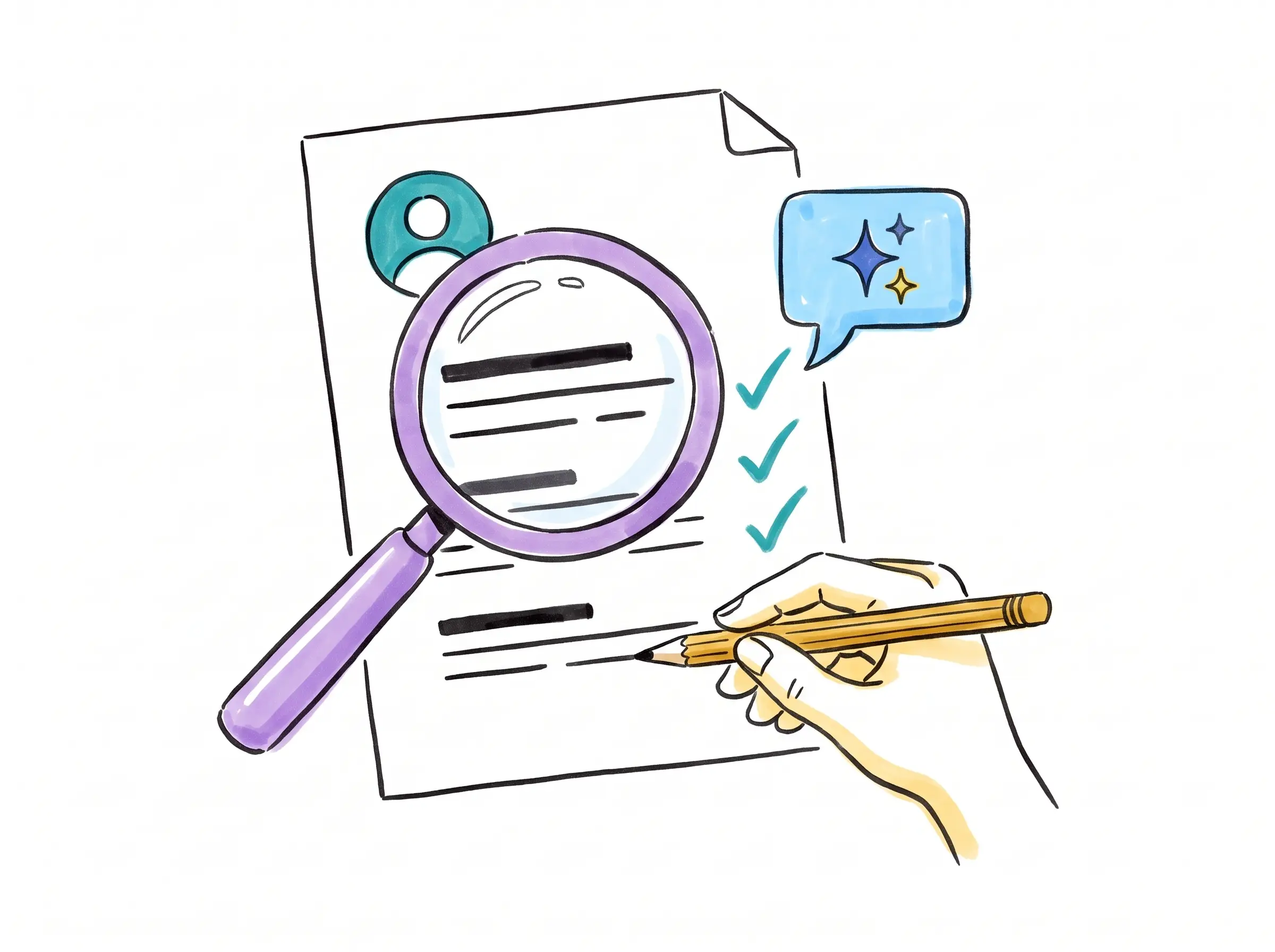
AI can help you find relevant opportunities, explain your experience clearly and practise difficult interviews. The useful outcome is a stronger application you can stand behind—not a fictional version of your career.
Ask AI to review your résumé before rewriting it
Give it a specific job posting and a working copy of your résumé with personal details removed. Ask for a diagnosis first: what is relevant, what is unclear, and which requirements have no supporting evidence? That separates a wording problem from an actual skills gap.
Keep your original document. Review proposed changes side by side. If an edit changes “supported” to “led,” adds a qualification, or supplies a percentage you never measured, reject it. Harvard’s career guidance recommends treating AI output as suggested edits and checking that it accurately represents you. Read Harvard’s guidance on AI and applications.
Compare this job posting with my résumé. Create three columns: requirement, evidence already in my résumé, and a question I need to answer. Do not invent experience, tools, dates, qualifications or results. Flag unsupported claims. Suggest the five most useful improvements before rewriting anything.
Improve the evidence, not the facts
Suppose your original bullet is “Helped French customers with orders.” If you actually checked delivery status, explained delays and updated customer records, you could write: “Resolved French-language order enquiries by checking shipment status, explaining next steps and recording follow-up actions.” That is more informative without adding a made-up achievement.
If you know your weekly workload or have documented results, include them accurately. If you do not, describe the problem, your action and the practical outcome. Never ask AI to generate plausible revenue numbers, a degree, a job title or an employer to fill a gap.
Do
- Use terminology from the posting when it describes skills you have.
- Explain a career change through genuine transferable experience.
- Check that you can discuss every résumé line in an interview.
Don’t
- Add hidden keywords or claim tools you have never used.
- Upgrade conversational French to professional fluency.
- Let AI conceal dates or invent work to explain a gap.
Understand ATS text parsing
An applicant tracking system, or ATS, can extract information from a résumé into fields such as work history and education. Parsing is that extraction step; it is not the same thing as a hiring decision. A document can look attractive while its text arrives out of order.
Use clear headings such as Experience, Education and Skills. A simple single-column layout is a sensible starting point. Keep essential contact details in the main document body. Greenhouse identifies columns, complex tables, graphics and header/footer content among potential parsing problems. See Greenhouse’s parsing guidance.
There is no universal “ATS score” that proves your résumé will pass every employer’s system. An AI tool’s match percentage is feedback from that tool, not access to the employer’s selection criteria.
PDF or Word? Follow the application instructions
If the employer specifies DOCX, send DOCX. If it accepts PDF, export a text-based PDF from your document editor rather than sending a photograph or screenshot. Greenhouse accepts both PDF and Word formats, among others; that does not mean every employer uses the same system or settings. Check an ATS vendor’s supported formats.
- Open the exact file you intend to submit.
- Select the text and paste it into a plain-text editor such as Notepad.
- Read it from top to bottom. Check names, dates, accents, bullets and the order of each job.
- Correct the original document and export again if content is missing or jumbled.
- After uploading, review any fields the application form filled automatically.
This is a useful readability check, not a guarantee of parsing in every ATS. Lever also suggests checking whether document text can be highlighted. Read Lever’s explanation of résumé parsing.
A scanned PDF may need optical character recognition, or OCR, to add searchable text. Check the recognised text carefully, especially French accents, company names and dates. Re-exporting from the original editable document is preferable when you have it. Adobe explains OCR for scanned PDFs.
Here is the text copied from my final résumé PDF. Identify broken words, missing accents, duplicated headings, confusing date order or sections that appear mixed together. Do not rewrite my career history. List the issues and where they occur. I understand you cannot certify how an employer’s ATS will parse the file.
Use AI to narrow your search
Ask it to suggest related job titles based on your actual tasks. Someone with bilingual order-management experience might investigate customer operations, account coordination or sales support. Read each posting before deciding it fits; similar titles can describe very different work.
Have AI build a comparison sheet with location, working hours, compensation disclosed, language requirements and application deadline. Verify every live vacancy on the employer’s or recruiter’s official site. Do not rely on an AI-generated list of openings without checking its links and dates.
Based on these tasks I have performed, suggest six job titles to research in Canada. For each, explain the overlap and the skills I would still need to demonstrate. Do not claim there are current vacancies. My location, work preferences and constraints are: [details].
Practise the work in both languages
For a bilingual role, rehearse more than “tell me about yourself.” Ask AI to play a customer who needs a technical product explained, disputes an invoice or raises a sales objection. Answer in French, then write a concise English handoff. Review whether the two versions preserve the same facts.
Play a French-speaking buyer considering a business software subscription. Give me a short fictional product brief first. Ask one question at a time about implementation, integration and value. Do not supply my answers. Afterwards, review my discovery questions, factual accuracy, clarity and next step. Flag any promises not supported by the brief.
AI feedback is practice feedback, not a certified language assessment. Use it to identify questions to work on. Do not use hidden AI assistance during an interview or test where it is not permitted.
Keep your application personal and your data private
Remove your address, phone number, identification numbers, references’ details and confidential employer information from practice copies. Use fictional customer records for exercises. Review the tool’s current data controls before uploading documents.
Read the final application aloud. Remove language you would never use and statements you cannot explain. Follow the employer’s rules about AI use and disclosure. A short, specific cover note that connects your real experience to the role is more useful than a page of generic enthusiasm.
Put your real bilingual skills forward
MS2’s role-specific screening gives you an opportunity to demonstrate the work behind your résumé. Compared with relying on a polished application alone, practical conversations can make your relevant strengths easier to see. A role must still match your experience and the employer’s needs.
Explore bilingual opportunitiesShare your background with MS2
Next: describe your language skills accurately or prepare for a bilingual interview.
Published · 6 min read